


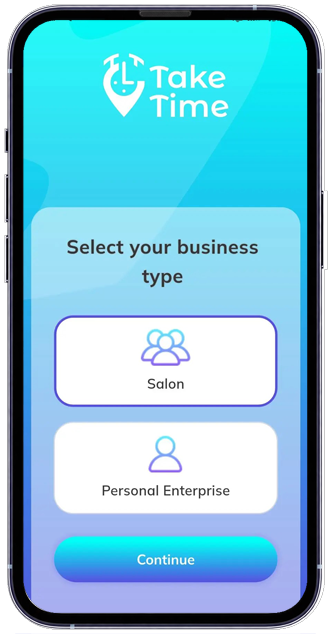
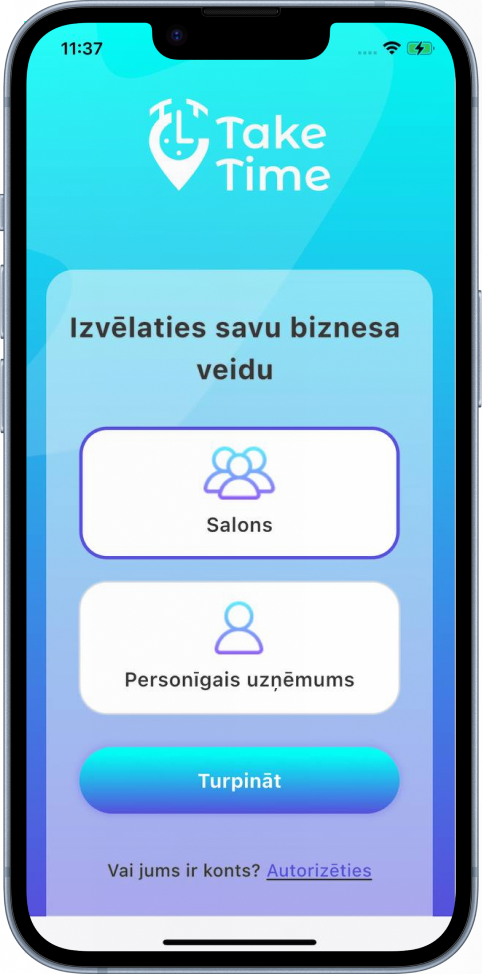

Who would be suitable for our app?
Private craftsmen
You will be able to make a manual entry in the organizer without booking, or you will be able to book an entry. You will also be able to provide information about a client visit or an appointment, and have the option to leave the selection of the request for yourself (confirm or cancel).
Studios
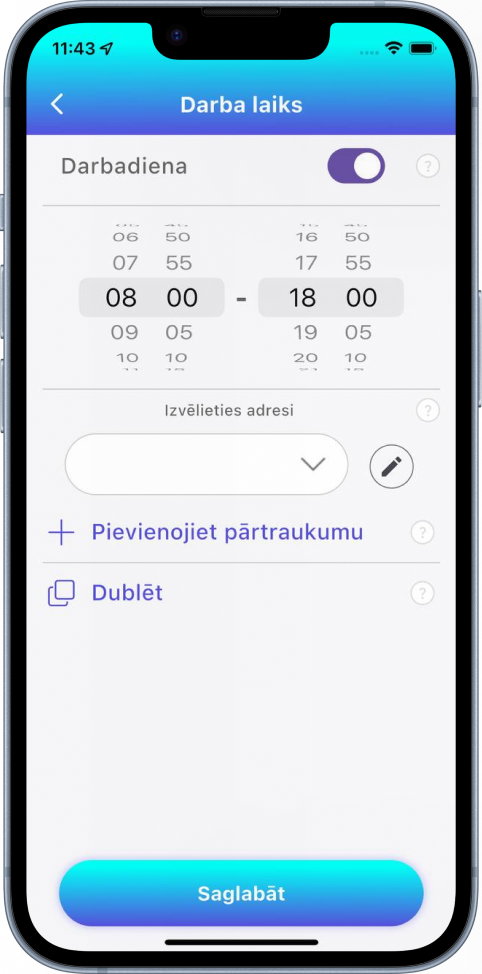
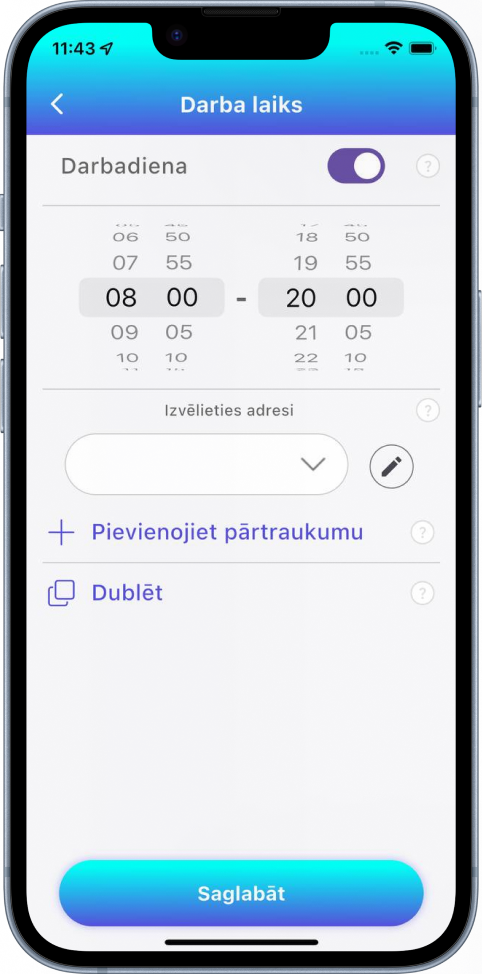
You will be able to specify all necessary information about the studio and have a personal website in our application. You will also be able to specify opening hours, schedule, services and promotions.
Our benefits
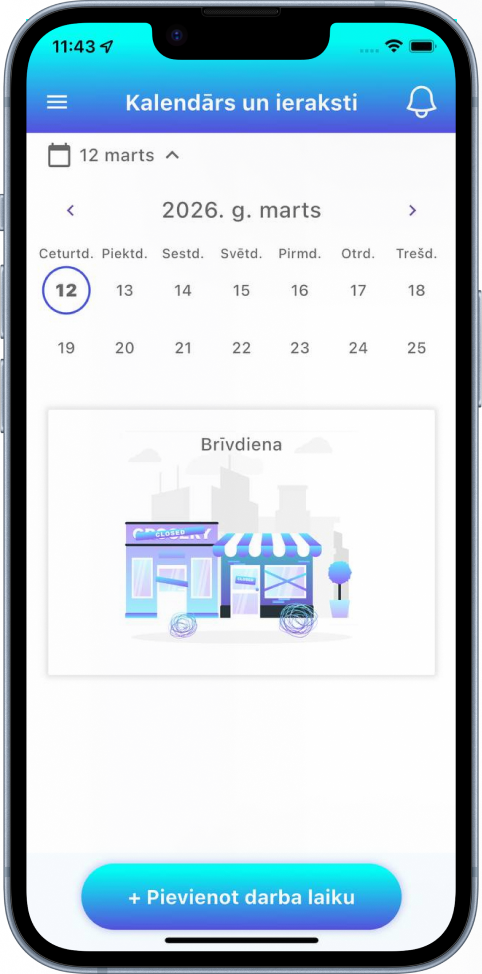
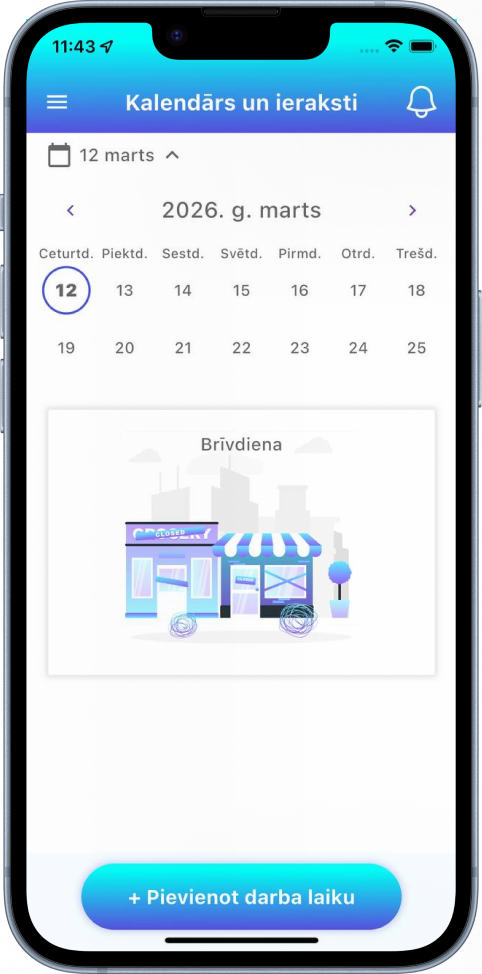
User-friendly calendar
Customize your schedule with just a few clicks and transitions

Easy customization
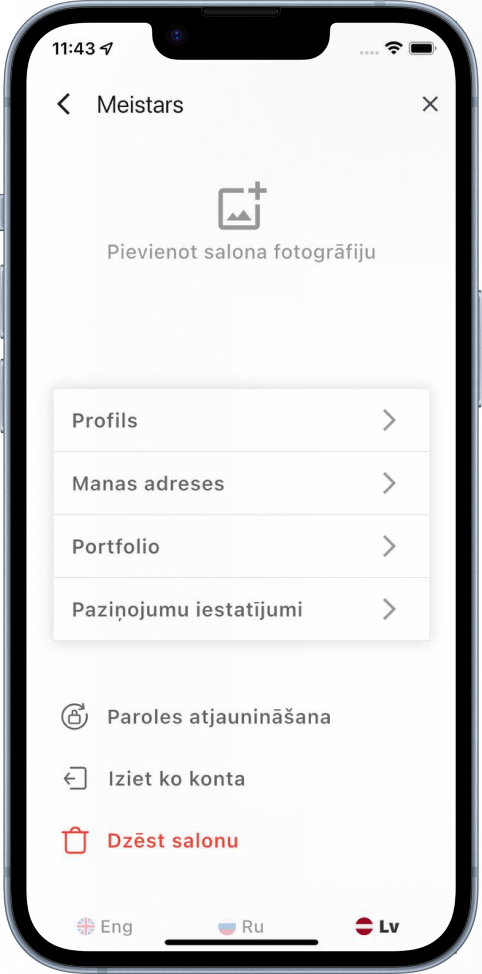
All settings are intuitive and easy to understand even for inexperienced users

Personal page
For private masters
Booking
Convenient and clear system for booking and displaying your orders

Customization
How does it work?
FAQ (For masters and studios)
Question: How can I sign up for the Take Time app for my salon or handyman?
The answer: To register for Take Time, go to our website or download the app from the App Store or Google Play. Then follow the instructions to create a salon or master account by providing the required information.
Question: How can I add services and schedules in the Take Time app?
The answer: After registration, log in to your account and go to “Manage services” or “Schedule”. There you can easily add and edit services and customize your schedule.
Question: What opportunities does the Take Time app provide for customer interaction?
The answer: Take Time provides many tools to interact with customers, such as sending notifications of upcoming recordings, the ability to receive feedback and comments, and social media integration for maximum visibility.
Question: How is data security ensured in the Take Time app?
The answer: We place the highest priority on data security. All data is encrypted and stored in accordance with the latest security standards. We also regularly update our systems to ensure protection against potential threats.
Question: How can I connect online payment through the Take Time app?
The answer: To connect online payments, go to “Settings” in your account, select “Payment & Finance” and follow the instructions to set up online payments through our payment processor partners.